
AI Process Automation: 5 Questions to Ask Before You Start
Authored By: Excentra R&D Team
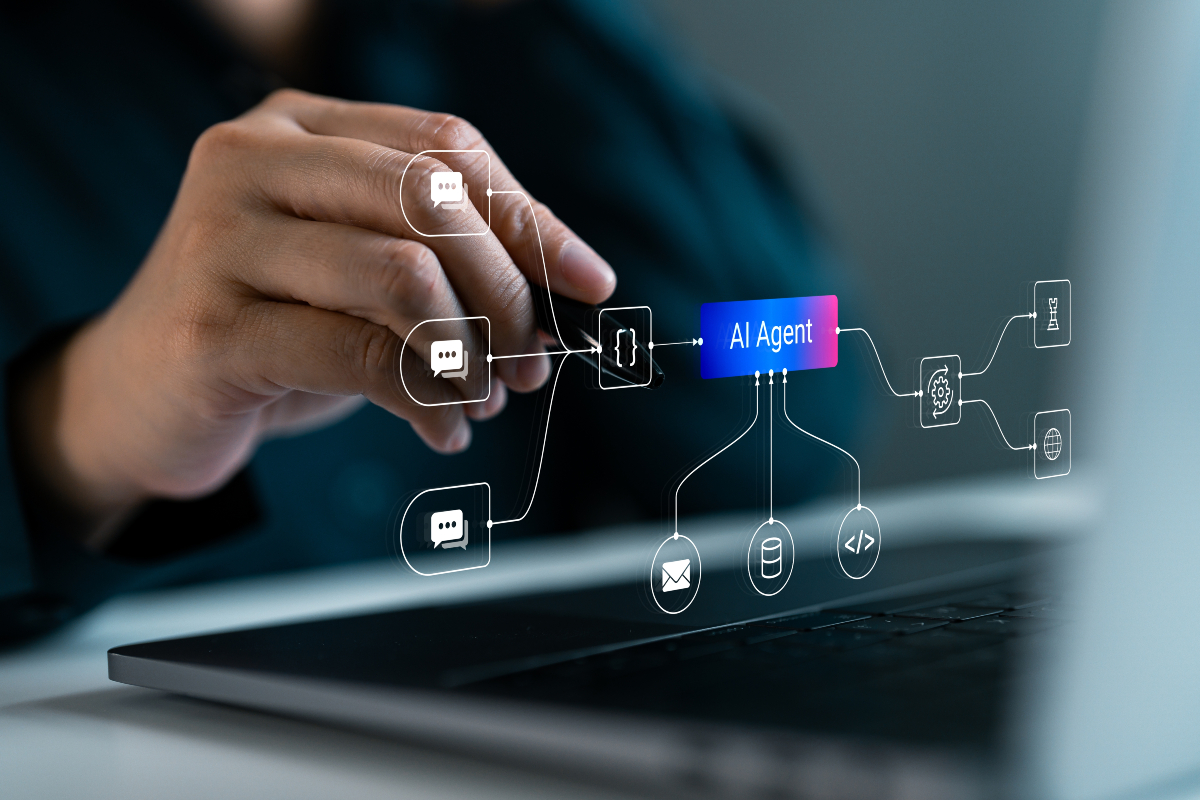
Before automating a business process with AI, confirm that the workflow is documented, the risks are understood, human oversight is assigned, data access is controlled and success can be measured. These five questions help you decide whether a process is ready for automation.
Key takeaways:
- Document the process before choosing an AI tool.
- Assess each step by the consequences of an error and whether it can be reversed.
- Assign clear responsibility for approvals, reviews, monitoring and intervention.
- Give the automation access only to the data and actions it needs.
- Agree on test cases and performance measures before launch, then expand gradually.
Picture the Monday operations meeting. Someone has seen an AI demonstration and wants an agent checking supplier invoices by the end of the quarter.
“It reads the invoice, checks it and pays it.”
The proposal sounds straightforward. Yet nobody has established who checks invoices today, which rules they apply or how they handle exceptions.
If you cannot write the steps down, you are not ready to automate them. AI process automation starts with understanding the work, including the decisions people make without thinking to explain them.
In this article, AI process automation means using an AI model within a business workflow to interpret information, generate outputs or support actions. Some systems, often called AI agents, can use connected tools to complete several steps with limited human input.
Before introducing that capability into a business process, answer these five questions.
1. Is the business process clearly defined?
Start with a simple test: can you explain the workflow on one page?
Your process map should identify:
- The trigger that starts the work.
- The information and documents required.
- The steps, decision rules and exceptions.
- The person responsible for each decision.
- The expected output and what counts as completion.
Show the page to three experienced colleagues. If their descriptions differ substantially, resolve those differences before building the automation.
Consider the invoice team. The procedure says “check supplier invoices”. In practice, an experienced colleague knows which suppliers regularly round up, which cost codes are often incorrect and when a phone call resolves an issue faster than a rejection.
That knowledge needs to become part of the documented process.
Mapping the workflow also creates an opportunity to simplify it. You may find duplicate checks, unnecessary handovers or steps that no longer serve a purpose. Address those issues before automating them.
At this stage, also ask whether AI is necessary. A fixed calculation or straightforward approval rule may be better handled by conventional workflow software.
2. What would an AI error cost, and can it be reversed?
AI-generated outputs can be convincing and incorrect. NIST identifies this risk as confabulation: generating erroneous or false content that users may accept as accurate.
In an invoice workflow, an AI system could misinterpret a document, extract the wrong amount or apply a rule to the wrong case. Your design should anticipate those possibilities.
Assess every step using two questions:
- What happens if the output is wrong?
- Can the resulting action be reversed?
An inaccurate draft email reviewed before sending may require a few minutes of correction. An incorrect payment or contractual commitment can create a much more serious problem.
Low-impact, reversible tasks are sensible starting points. For consequential actions, retain human approval and controls appropriate to the risk.
The NIST AI Risk Management Framework organises risk activities around four functions: Govern, Map, Measure and Manage. These functions support ongoing risk management rather than a one-time check before deployment.
For your workflow, make the assessment practical: record the potential failure, its consequences, the control and the person responsible for responding.
3. Where is human oversight needed?
Adding an approval button does not, by itself, create effective human oversight.
People need to understand what they are checking, have access to supporting information and have enough time to challenge the output.
Choose the appropriate controls for each step:
- Approve: A named person authorises a proposed action before it happens. Use this for consequential decisions.
- Review: A person checks and, where necessary, corrects an AI-generated output before it moves to the next stage.
- Sample: A person examines a defined selection of completed cases. Use this only where the assessed risk and demonstrated performance justify it.
- Stop: An authorised person can pause the automation, investigate a problem and return the work to a controlled manual process.
These controls can work together. A workflow may require review of every extracted invoice amount, approval before payment and a stop mechanism throughout.
Document who owns the process, who handles exceptions and who can authorise changes. Assign named owners and deputies so responsibilities remain clear during absences.
This approach is consistent with ISO/IEC 42001’s emphasis on AI management systems that support defined responsibilities, risk management and accountability.
4. What data will the AI access, and who can see it?
List every source the automation reads, every location it writes to and every action its connected tools can perform.
Then check whether each permission is necessary.
An invoice-checking agent may need access to supplier invoices and purchase orders. That does not mean it needs access to payroll records or permission to change supplier bank details.
Apply the principle of least privilege: give the automation only the access required for its approved task. Preserve existing approval boundaries rather than combining permissions that employees currently hold separately.
Pay particular attention to:
- Personal information, including customer and employee details.
- Confidential business information, such as pricing, contracts and financial records.
- Data shared with external providers, including information retained in service logs.
Before connecting business data, ask your IT, security or data protection colleagues:
- Where is the information processed and stored?
- Who can access it?
- Is it used to train or improve the provider’s models?
- How long is it retained, and how can it be deleted?
- What access and activity records are available?
If those answers are unclear, resolve them before using sensitive information, including during a pilot.
5. How will you measure AI automation success?
Define success before launch.
Start by measuring the current process: completion time, error rate, rework, escalation volume and cost per case. This gives you a baseline for judging whether automation improves the overall workflow.
Next, build a test set using historical cases with verified outcomes. Include routine work and difficult exceptions, such as:
- An invoice submitted in the wrong currency.
- A supplier requesting a bank-account change.
- A duplicate invoice.
- A document with missing or unreadable information.
Check whether the automation produces the correct result and escalates cases it should not handle independently.
Agree on acceptance criteria before testing. These should cover both useful outputs and unacceptable failures.
Once the workflow is live, monitor a focused set of measures:
- How often people correct or reject AI outputs.
- How long cases take from start to finish.
- How many cases require escalation.
- The frequency and severity of errors.
- Total operating cost, including review and rework.
Review results frequently during the initial rollout. Keep appropriate records of inputs, outputs, actions and approvals so problems can be investigated.
Do not rely solely on an AI-generated explanation of its decision. Retain the source information and activity records needed to verify what happened.
Start with one clearly defined workflow step
Choose a bounded task where errors have limited consequences, actions can be reversed and a person reviews every output.
For invoice processing, that might mean extracting fields for review before considering any payment-related action.
Run the pilot long enough to assess representative cases. Use the findings to improve the workflow, then consider adding another step.
Before expanding, revisit the same five questions: is the process defined, what could an error cost, where is human oversight needed, what data is involved and how will performance be measured?
Develop your AI process automation skills
Strengthen your ability to assess process readiness, evaluate automation opportunities and establish appropriate controls through these Excentra training courses:
- Robotic Process Automation (RPA) — Learn how to assess automation suitability, map workflows and evaluate business value. This training course also addresses exception handling, governance, data integrity and performance measurement, supporting informed decisions before expanding automated processes.
- AI-Powered Operational Excellence and Process Mining — Explore how process mining reveals actual workflow behaviour and helps identify improvement and automation opportunities. This training course connects process analysis with applied AI, responsible governance and a phased operational improvement roadmap.
Explore these training courses to build a more structured approach to process improvement and responsible automation.
Keep reading
All insights →
What is an AI agent, and how is it different from a chatbot?
A chatbot replies; an agent acts. That one difference changes what can go wrong, how far a mistake travels and how much...

Does Your Organisation Need an AI Policy? 7 Areas to Cover
If employees use AI for work, your organisation needs clear rules governing that use. An effective AI policy explains...

Seven Everyday Tasks You Can Hand to an AI Assistant (And Three You Should Not)
An AI assistant will draft almost anything you ask. The real test is whether you would put your name to the result....
Featured Training Courses

Artificial Intelligence (AI) Regulations - EU AI Act
$5,950

Artificial Intelligence (AI) for Accounting and Finance Professionals
$4,950

Artificial Intelligence (AI) for Predictive Machine Maintenance
$5,950

Artificial Intelligence (AI) Powered Risk & Fraud Detection
$4,950

Hybrid Human-Artificial Intelligence (HHAI)
$4,950
Artificial Intelligence (AI) Essentials for Business
$4,950

Artificial Intelligence (AI), Business and the Future of Work
$4,950
Artificial Intelligence (AI) in Project Management
$4,950